Mobile Door Credentials Gain Ground in NYC as Key Cards Show Their Age
Whitestone, United States – January 8, 2026 / Streamline Telecom /
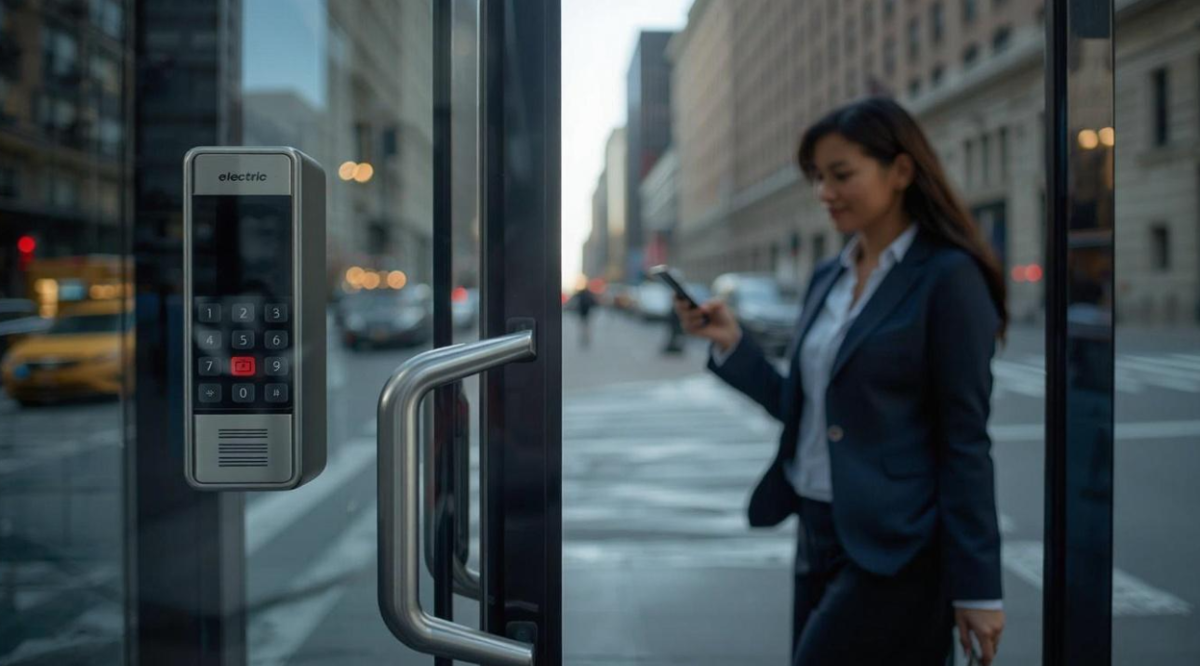
NYC property owners and operators are moving away from plastic fobs and key cards. In 2026, more organizations are adopting mobile credentials as part of modern Access Control Systems—not because it sounds trendy, but because it solves real problems: lost cards, slow onboarding, weak audit trails, and constant re-keys.
The shift is practical. Mobile access uses a phone as the credential and a modern reader at the door. It can be paired with PINs, biometrics, or video verification. For businesses managing busy offices, retail locations, warehouses, schools, healthcare sites, and multi-tenant buildings across the New York City metropolitan area, mobile access is becoming the cleaner path to reliable entry control—especially when speed, security, and oversight matter every day.
The broader impact is simple: mobile credentials reduce friction and improve control without adding work. For teams planning an upgrade or a new buildout, an experienced Access Control System Installation partner helps make sure the system is designed correctly, installed cleanly, and delivered on schedule—so doors work smoothly from day one.
Modernization is not only about the credential. It is about the whole system: readers, electric locks, controllers, network design, server or cloud platform, and how everything gets labeled, organized, and maintained. The credential is just the part users touch.
What “Mobile Access Control” Actually Means
Mobile access control replaces (or supplements) a physical card with a digital credential stored securely on a smartphone. The credential is presented to the door reader using common methods such as Bluetooth, NFC, or a secure mobile app action.
In practice, mobile access usually supports:
-
Touchless entry (hands-free or tap-to-unlock)
-
Remote unlock for deliveries or guest entry
-
Digital badges that can be issued and revoked instantly
-
Visitor credentials with expiration rules
-
Audit logs tied to a specific user identity
Mobile access is often deployed alongside traditional credentials to support mixed user groups: employees, contractors, tenants, visitors, and vendors.
Key Cards and Fobs: What Still Works and What Breaks
Traditional key cards and fobs can still be effective. They are familiar, simple, and can be cost-efficient at scale. But in NYC environments with high turnover, multiple shifts, and frequent visitors, physical credentials create recurring issues.
Common friction points include:
-
Lost cards that become a daily support task
-
Credential sharing (“borrow a fob”) that ruins accountability
-
Delayed offboarding when people leave or change roles
-
Replacements and reprogramming that add cost and downtime
-
Wear and tear on readers and cards in high-traffic doors
In many buildings, cards and fobs also become a false sense of control. If a credential is not tied to strong identity checks or real-time monitoring, it can be copied, shared, or used beyond the intended scope.
Mobile access does not automatically solve every issue—but it can dramatically cut the most common ones.
Mobile Credentials vs. Cards and Fobs: A Vendor-Neutral Comparison
Below is a practical, vendor-neutral view of what changes when an organization moves to mobile credentials.
Security and Accountability
Cards/fobs:
-
Can be shared easily
-
Loss is common and sometimes not reported
-
Audit trails exist, but they may not match real behavior if credentials are traded
Mobile:
-
Ties access to a phone that is usually protected by biometrics or a passcode
-
Lost-phone events can be handled quickly by revoking access
-
Some systems support device checks and stronger identity control
Key takeaway: mobile credentials typically improve accountability because “who opened the door” is harder to blur.
Speed of Issuing and Revoking Access
Cards/fobs:
-
Requires physical handoff or shipping
-
Remote workers and contractors create delays
-
Revocation is easy in software, but physical cards may still exist and create confusion
Mobile:
-
Credentials can be issued instantly
-
Revocation is immediate with no physical retrieval
-
Visitor access can be scheduled and automated
Key takeaway: mobile access removes the bottleneck of physical distribution.
User Experience
Cards/fobs:
-
Fast when everything is working
-
Users forget badges or leave them at home
-
Badge swaps and “tailgating” become common in busy doors
Mobile:
-
Familiar, intuitive experience—people rarely forget phones
-
Touchless options reduce door congestion
-
Visitor flows can be smoother with digital invites
Key takeaway: mobile credentials reduce “small daily failures” that add up.
Reliability and Failure Modes
Cards/fobs:
-
Works offline in many cases
-
Fewer dependencies on phones, apps, or Bluetooth
-
Readers and cards degrade over time
Mobile:
-
Depends on phone battery, device settings, and correct onboarding
-
Requires thoughtful reader placement and configuration
-
Still can support backup entry methods (PIN, card, intercom)
Key takeaway: mobile access can be highly reliable, but it must be designed with smart fallbacks.
Cost Over Time
Cards/fobs:
-
Lower entry cost per credential
-
Ongoing costs: replacements, admin time, and re-issuance
-
Hidden cost: poor offboarding and weak accountability
Mobile:
-
Potential licensing costs depending on platform
-
Lower replacement cost (no plastic, no shipping)
-
Reduced labor for onboarding/offboarding and visitor access
Key takeaway: the best cost comparison is total cost of ownership, not credential price.
What Makes Mobile Access Work Well in NYC
Mobile access succeeds when it is planned for NYC realities: multi-tenant spaces, aging doors, mixed construction types, union job schedules, after-hours deliveries, and strict expectations from property managers and tenants.
The strongest mobile deployments share a few traits:
-
Layered entry design: mobile + PIN, or mobile + biometric for critical doors
-
Clear guest workflows: visitor passes that expire automatically
-
Reliable lock hardware: electric strikes, maglocks, or exit devices sized correctly to the door
-
Organized panels: clean, labeled, serviceable installs that do not turn into a mystery box
-
Fast support: doors are not a “wait until next week” issue
A mobile credential is only as reliable as the wiring, the lock, the door condition, and the controller behind it.
Technical Building Blocks of a Modern Mobile Access System
Modern access control is a system of systems. Mobile credentials sit at the surface. The reliability comes from the parts behind the wall.
Access Control Readers and Keypads
Modern readers support multiple credential types: mobile, smart card, PIN, and sometimes biometrics. Keypads remain valuable for:
-
Backup access when phones fail or are prohibited in certain areas
-
Two-factor entry (PIN + credential) for stronger security
-
Delivery doors where controlled entry needs a simple fallback
Some keypads also reduce “shoulder surfing” risk by using obscured or changing number layouts.
Electric Lock Hardware
Lock hardware is where many projects win or lose. Common options include:
-
Electric strikes for many office doors
-
Electromagnetic locks for specific door and code scenarios
-
Electric exit devices for high-traffic or egress-heavy doors
The “right lock” depends on the door material, frame condition, fire rating, usage pattern, and life-safety requirements. Hardware selection should never be guessed.
Controllers, Panels, and System Architecture
Controllers connect readers and locks to the management platform. A well-designed system:
-
Separates critical doors into logical groups
-
Uses clean labeling and cable management
-
Plans for future expansion without ripping everything out
-
Protects the network path from accidental outages
The Access Control Server: Cloud vs. On-Premise
This is where modernization often changes the most.
On-premise:
-
A local server runs access control software
-
Updates and backups require discipline
-
Remote management can exist, but it varies by system
Cloud:
-
The management platform lives in a secure cloud environment
-
Admin tasks can be done from any device
-
Updates and security patches are handled continuously
Cloud models can simplify management, especially for multi-site businesses or buildings with rotating staff and contractors.
Where Mobile Credentials Shine: Real-World Use Cases
Mobile access is not for “every door in every building.” It is strongest in specific scenarios common in NYC.
High Turnover Workforces
Retail, hospitality, and service operations often need fast onboarding/offboarding. Mobile credentials allow access to be issued and removed immediately, reducing risk when people rotate quickly.
Multi-Site Operations
Organizations with multiple locations benefit from centralized control. Mobile access makes it easier to standardize policies, permissions, and reporting across sites.
Visitor-Heavy Properties
Commercial buildings, medical offices, and co-working spaces manage constant visitors and vendors. Mobile visitor passes can reduce front-desk work while keeping logs clean.
After-Hours Deliveries
Remote unlock and time-based credentials reduce the need for shared “delivery fobs” that float around and create security gaps.
Comparing Cloud Platforms: What to Look For Without Picking Sides
Vendor-neutral selection comes down to a few core questions:
-
Does the platform support mobile credentials reliably across common phone models?
-
Are audit logs clear and easy to export for incidents and compliance?
-
Does it support video verification tied to access events?
-
Can it scale from one site to many without a rebuild?
-
Are updates consistent, secure, and low effort?
-
Is there strong hardware interoperability and forward compatibility?
Some businesses prefer on-premise systems for specific policy needs. Others prefer cloud for simplicity and speed. The best choice depends on risk profile, staffing, IT support, and how fast the organization needs to move.
Streamline Telecom commonly deploys Avigilon Alta for cloud access control and Avigilon Unity for on-premise environments where local control is required. That expertise helps match the system to the building and the client’s priorities—without forcing a one-size-fits-all design.
Modernization Risks to Avoid
Many access control upgrades fail for predictable reasons. These issues often have nothing to do with the credential type.
Common mistakes include:
-
Upgrading readers but keeping weak lock hardware
-
Skipping door surveys and discovering issues mid-install
-
Poor cable routing and unlabeled panels that create service chaos
-
No plan for fallback entry (PIN, card, intercom, mechanical override)
-
Underestimating network requirements and power planning
-
Treating “cloud” as a shortcut instead of a system decision
Modern systems are powerful, but they demand clean execution.
Why Streamline Telecom Fits the 2026 Standard
Streamline Telecom supports NYC businesses and contractors with commercial telecom and security work built around reliability, fairness, and clear timelines. Access control projects are handled with fast communication, organized installation practices, and disciplined delivery.
The company’s work is known for:
-
Clean, labeled, magazine-ready installs that stay serviceable
-
Staying on schedule and communicating early when field realities change
-
Fair pricing without surprise add-ons
-
Full attention to each job with no disappearing act
-
Strong follow-through so the system works long after turnover and tenant changes
For mobile access projects, that reliability matters. A modern credential means nothing if the door hardware is mismatched, the wiring is sloppy, or the system is left half-configured.
About Streamline Telecom
Streamline Telecom has been at the forefront of commercial telecom installation and business security, consistently striving to deliver access control and video solutions that improve how NYC organizations manage entry, accountability, and safety. With a relentless focus on organization, timelines, and responsive communication, the company continues to raise expectations for how clean, reliable security installations should look and perform.
Conclusion: Mobile Access Is the Direction, Execution Is the Differentiator
NYC businesses are moving toward mobile access control in 2026 for one reason: it removes friction while improving control. Mobile credentials reduce lost-badge problems, speed up onboarding, simplify visitor access, and strengthen accountability—especially when paired with reliable door hardware, smart policies, and clean system design.
The upgrade decision should not be based on hype. It should be based on operational reality: how the building runs, how people enter, and how quickly access needs to change.
For organizations ready to modernize, working with a proven access control installation service helps ensure the system is delivered on time, installed cleanly, and built to stay reliable as needs change.

Contact Information:
Streamline Telecom
152-53 10th Ave
Whitestone, NY 11357
United States
Sean Nolan
https://www.streamlinetelecom.com/